Citizen Report App
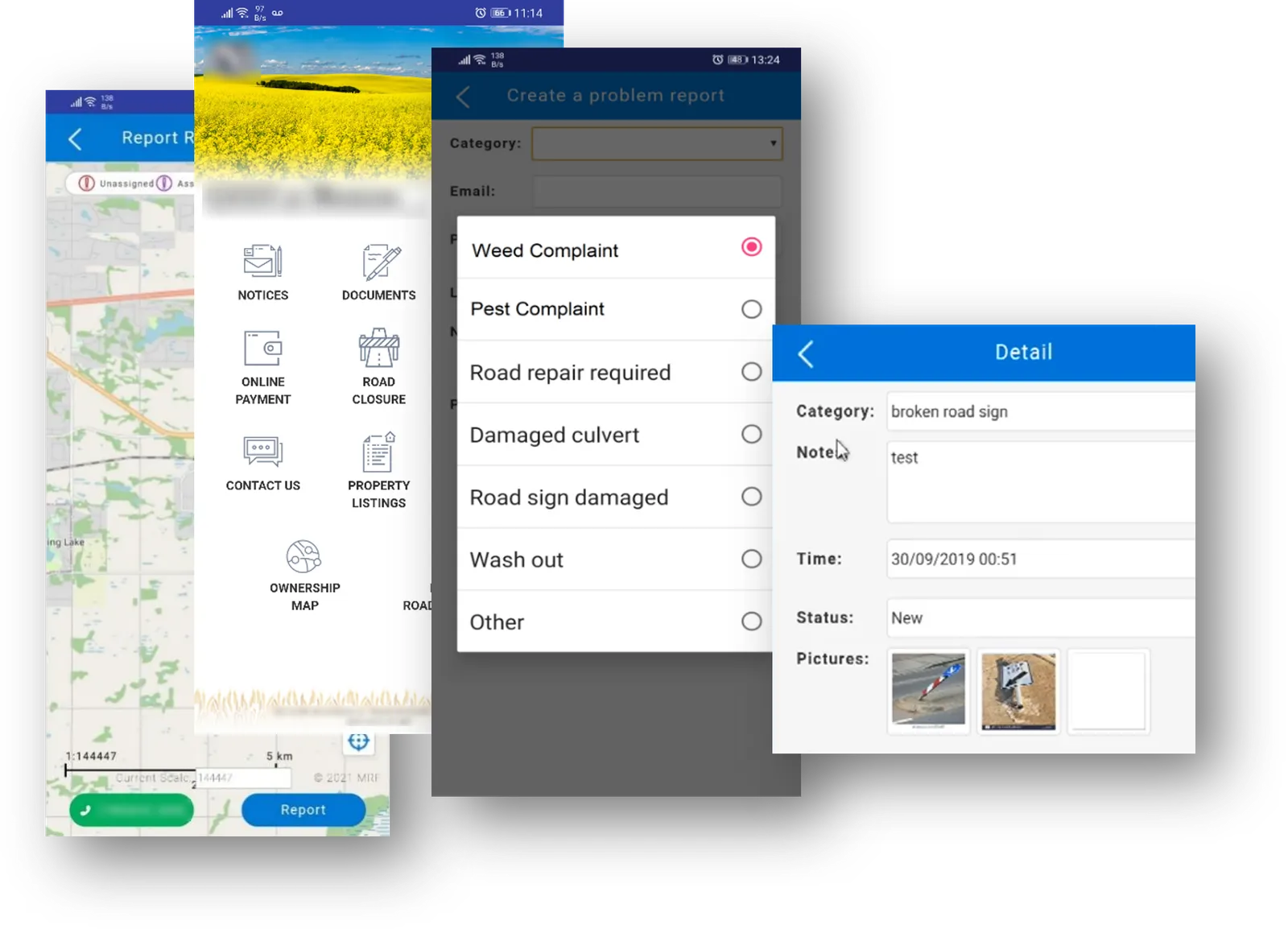
Residents pick a problem from your list, take a photo, add their contact information and send it with its GPS location. Your rules turn each report into a work order or ticket and assign it automatically.
The MRF Citizen Report App lets every resident report problems in the community. Citizens download the free app, pick a problem from the predefined list, take a photo, leave their contact information, and send the incident with its GPS location to the server.
On the server side, you set predefined rules that automatically create work orders or tickets from incoming reports and assign them to predefined recipients. Once a report is assigned, an email with a link is sent to that person.
Reports also appear on a live map. Staff moderate reports before they’re published, and can escalate a report into the MRF Enforcement Solution when follow-up is needed.
Above: Residents choose a problem, add a photo and send it with its location.
What you can do with Citizen Report App
Your list of problems
Residents pick from a predefined list, such as weed or pest complaints, road repairs, damaged culverts, damaged road signs and wash outs.
Photo, contact and GPS on Live Map
Each report includes a photo, the resident's contact information and the GPS location of the incident. Reports appear on a live map, so trends and hotspots stand out to staff and the community.
Staff moderation
Staff review and moderate reports before they're published.
Rules create work orders
Predefined rules automatically create work orders or tickets from incoming reports.
Assigned automatically
Each work order or ticket goes to its predefined recipient, with no manual sorting.
Works well with
Work Orders
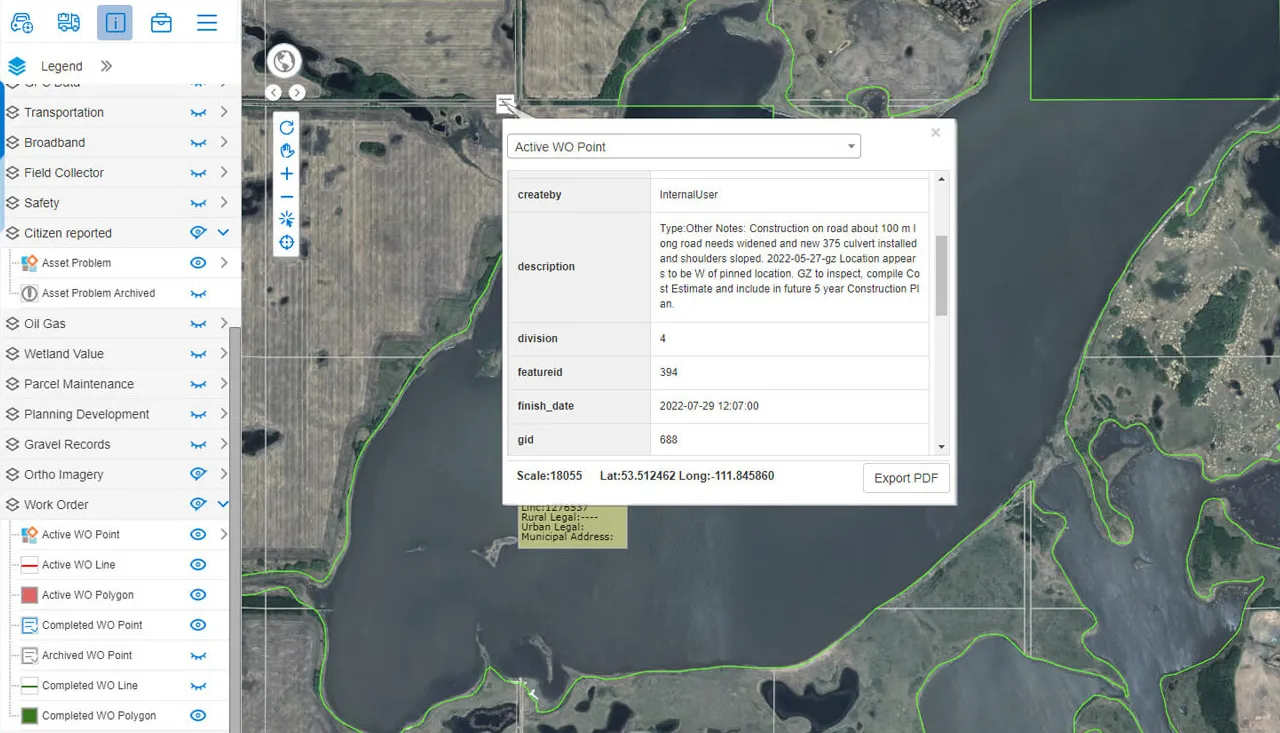
Create, assign and track work orders right where the work is.
Learn more →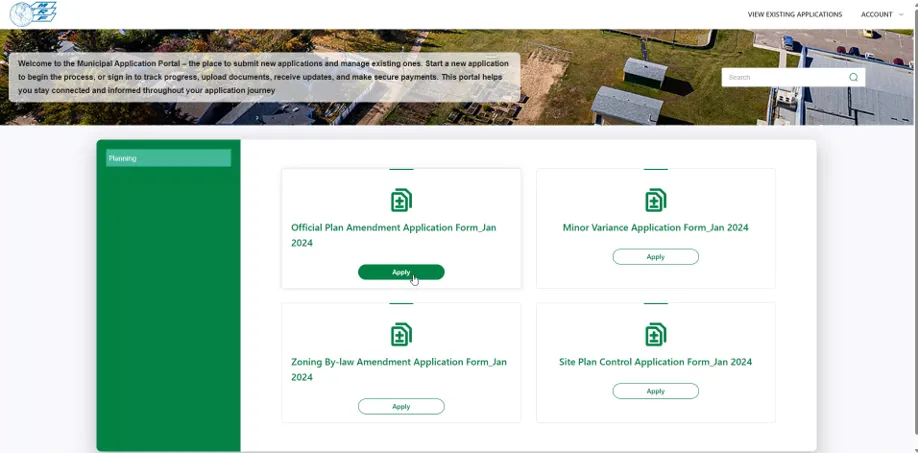
MRF Public Submission Portal
One online portal for residents and developers to submit and track applications, licences and permits.
Learn more →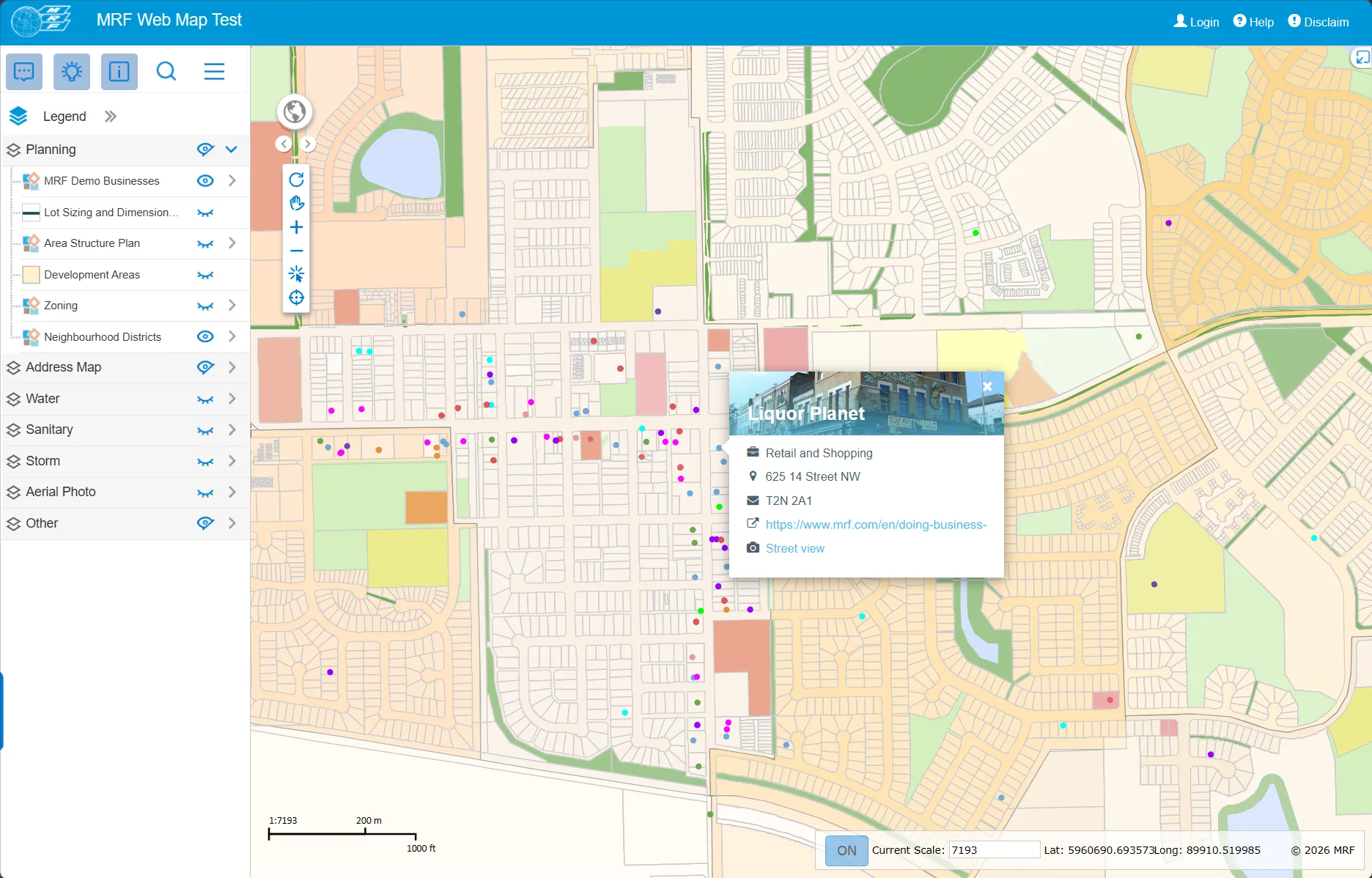
MRF Web Map
The browser-based GIS platform at the heart of every MRF solution.
Learn more →
See it working with your own data.
Book a demo and we’ll walk you through the products that fit your departments, configured for organizations like yours.