Work Orders
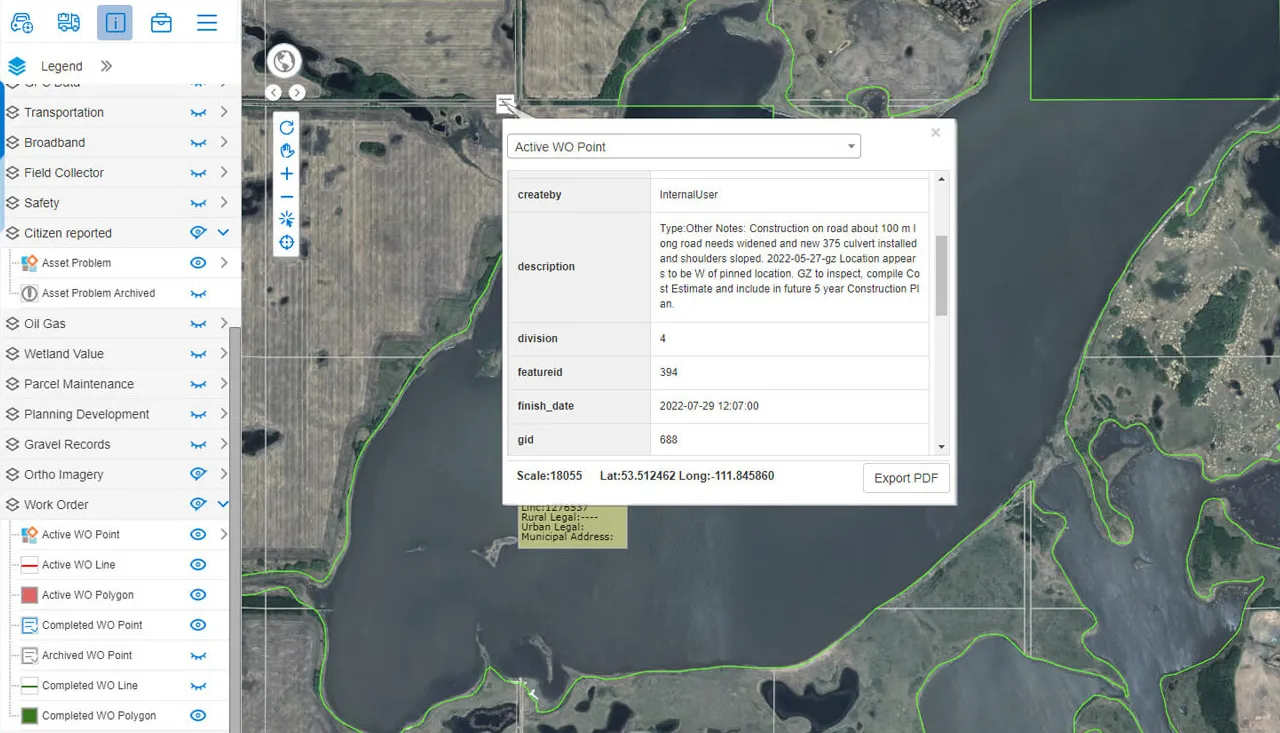
Generate work orders from any location or asset on the map, assign and review them from one panel, and let staff or residents submit requests with photos from a companion app.
MRF Work Orders brings maintenance management onto the map. Because every work order has a location, managers can see where work is piling up, group nearby jobs, and connect each order to the asset it’s for. That gives them a full history of what was done, where and when.
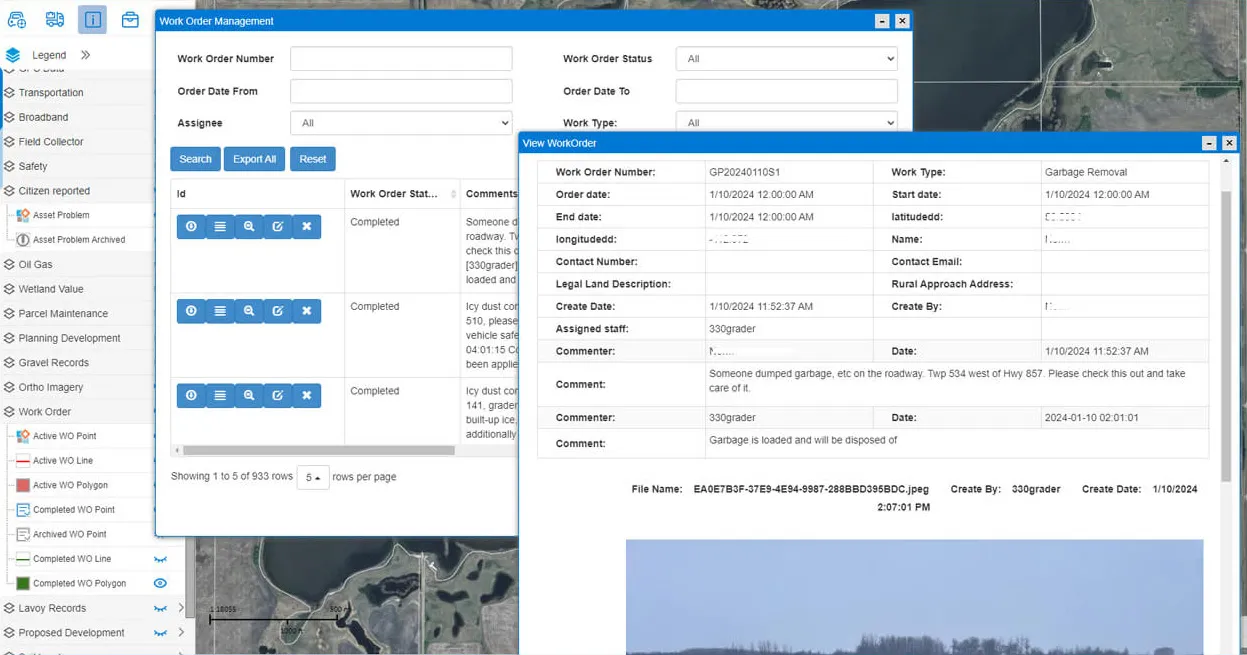
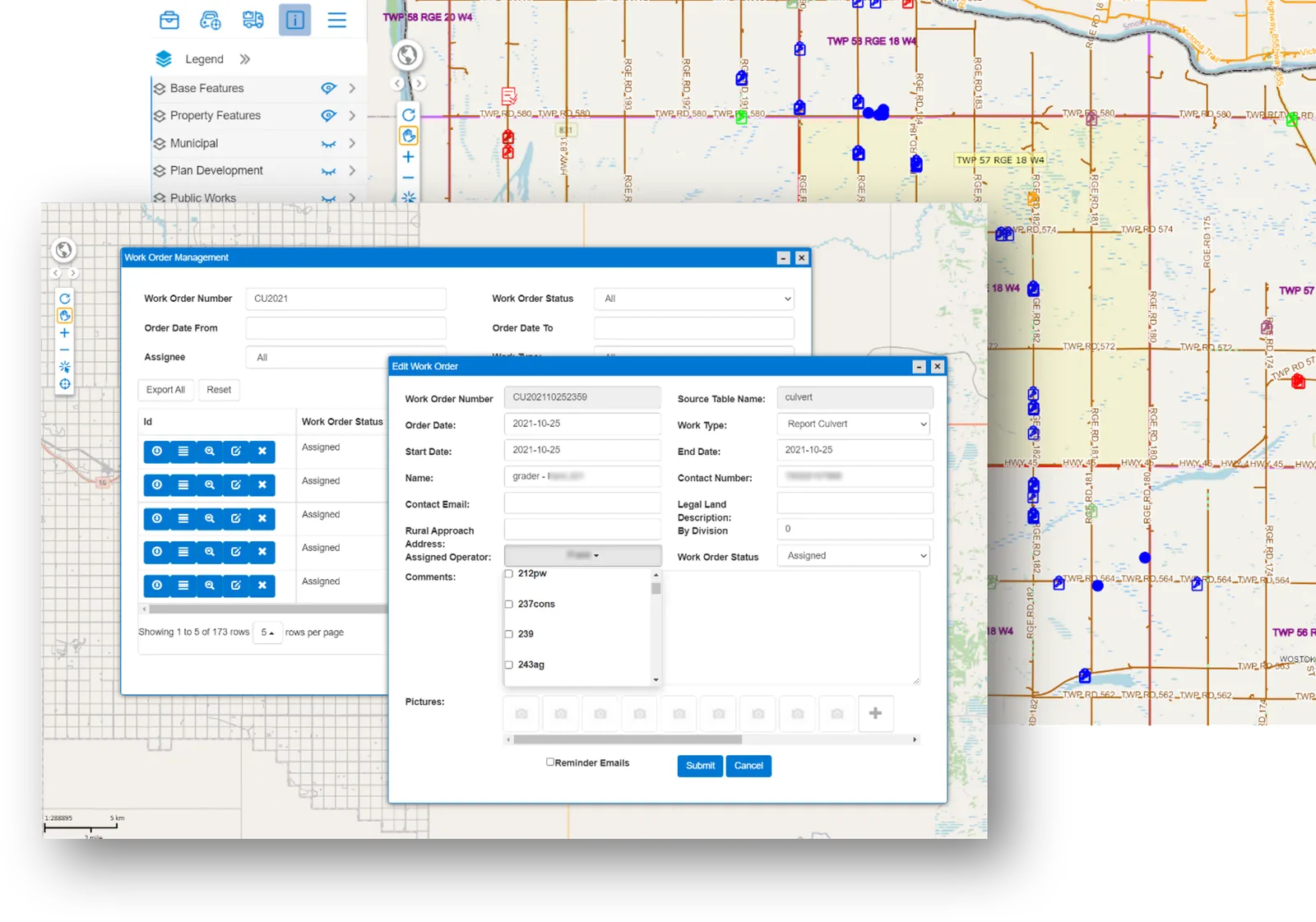
Above: Assign, review and report on work orders from one panel.
What you can do with Work Orders
Start from the map
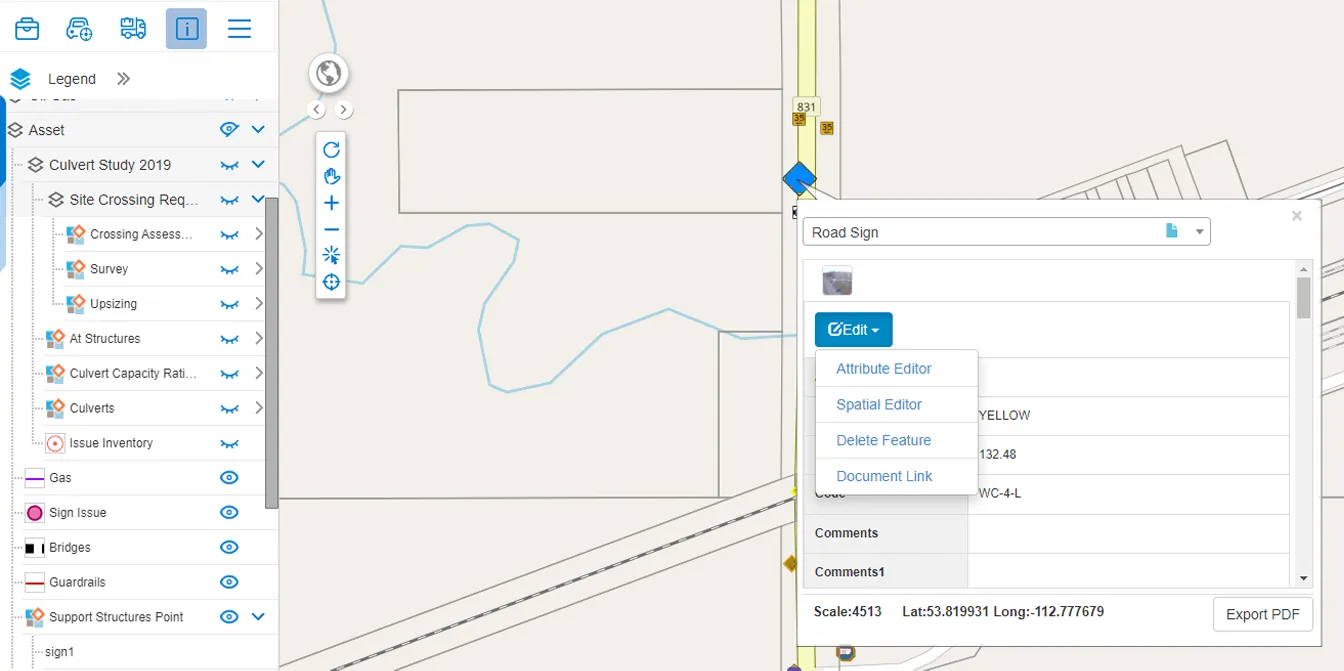
Click a location or an existing asset to create a work order already tied to the right place.
One management panel
Assign, review, edit and close work orders, and report on them, from a single panel.
Requests from the field or the public
The companion app lets staff (and, if you choose, residents) submit requests with photos, GPS location, category and notes.
Works offline
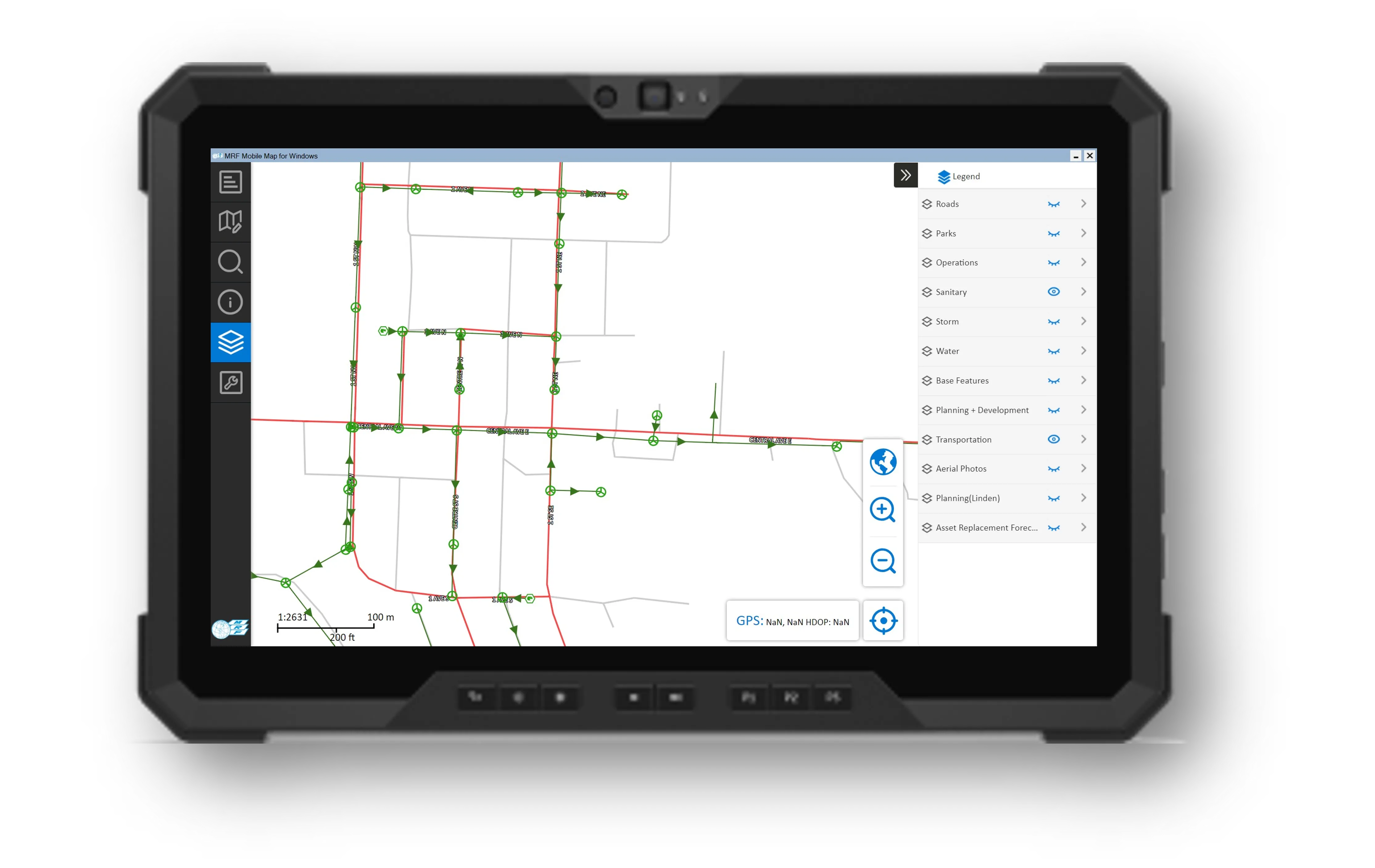
Requests captured without coverage sync when a connection returns and appear as new icons on a dedicated map layer.
A closer look
Works well with
See it working with your own data.
Book a demo and we’ll walk you through the products that fit your departments, configured for organizations like yours.