Tracking Cam
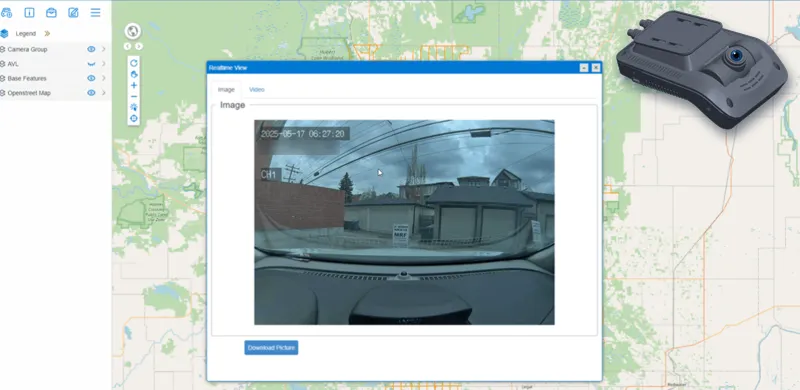
Tracking dashcams report location like any AVL device and send photos and video to the MRF server periodically, on request, or before and after events, so you can see what a vehicle sees right from the map.
MRF Tracking Cam brings real-time monitoring integration with dash cameras to your fleet. Each tracking dashcam reports its location like any other AVL device, and sends photos and video to the MRF server:
- Periodically, on a regular schedule
- On request, whenever a user asks for a picture or video
- Before and after events, so you can see what led up to an incident and what followed
Pictures and video open from the vehicle on the map in the Realtime View window, alongside the rest of MRF Vehicle Tracking Module. Every image carries a timestamp and is tied to where the vehicle was.
Road video captured on regular routes could also work with AI Road Condition Assessment, turning everyday driving into road condition data.
Above: The Realtime View window shows a vehicle's latest dashcam picture, with a Video tab and picture download.
What you can do with Tracking Cam
Live view from the map
Open a vehicle on the map and see its latest picture or video in the Realtime View window, then download the picture.
Periodic capture
Cameras send photos and video to the MRF server on a regular schedule, building a visual record of every route.
On request
Ask a camera for a fresh picture or video at any time, without waiting for the next scheduled upload.
Before and after events
When an event occurs, the camera sends footage from before and after it, so you see exactly what happened.
Tracking and video together
The same device reports the vehicle's position, so every picture and clip is tied to a time and place.
Road condition footage
Road video captured on regular routes could also feed AI Road Condition Assessment.
Works well with
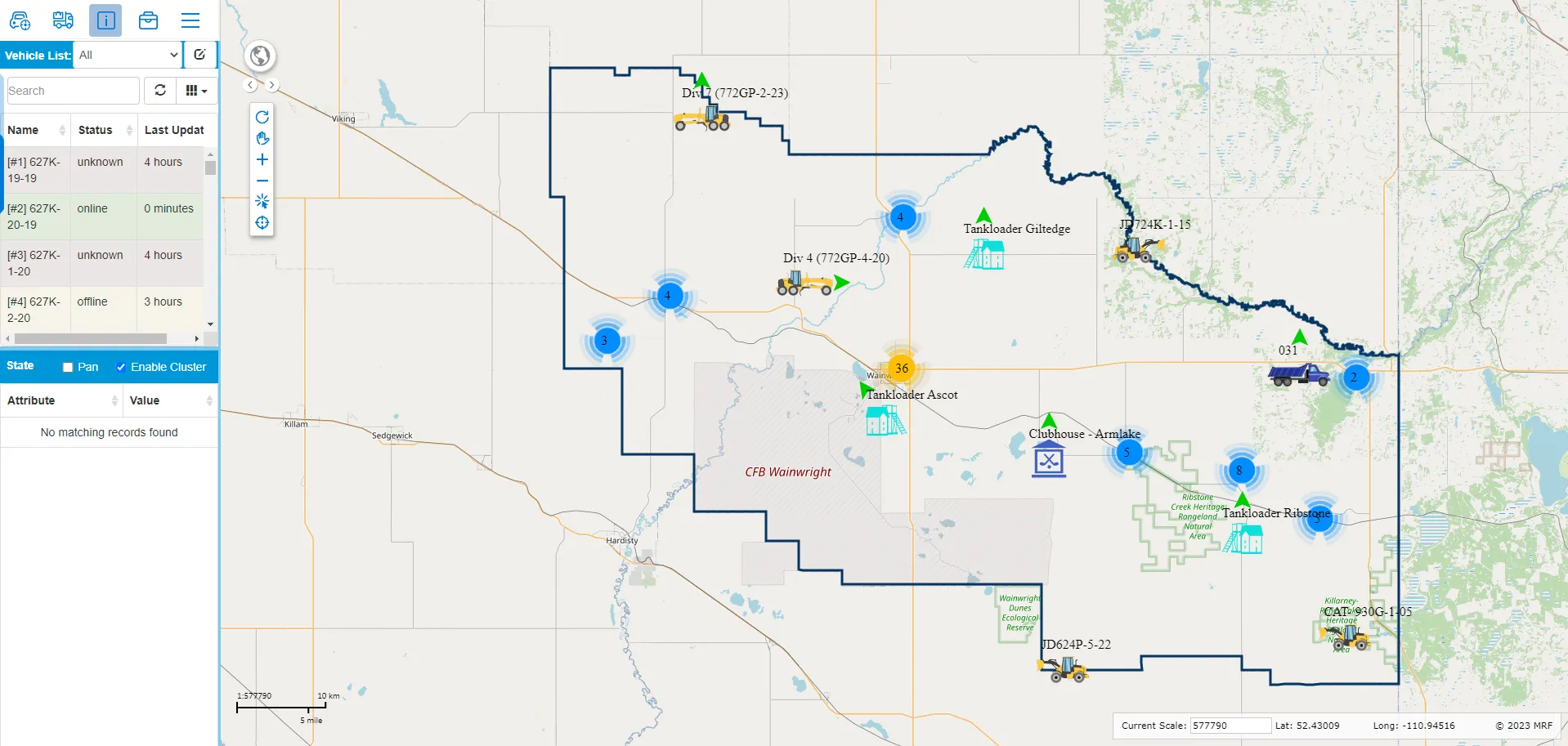
MRF Vehicle Tracking Module
Simple, real-time vehicle tracking built into MRF Web Map.
Learn more →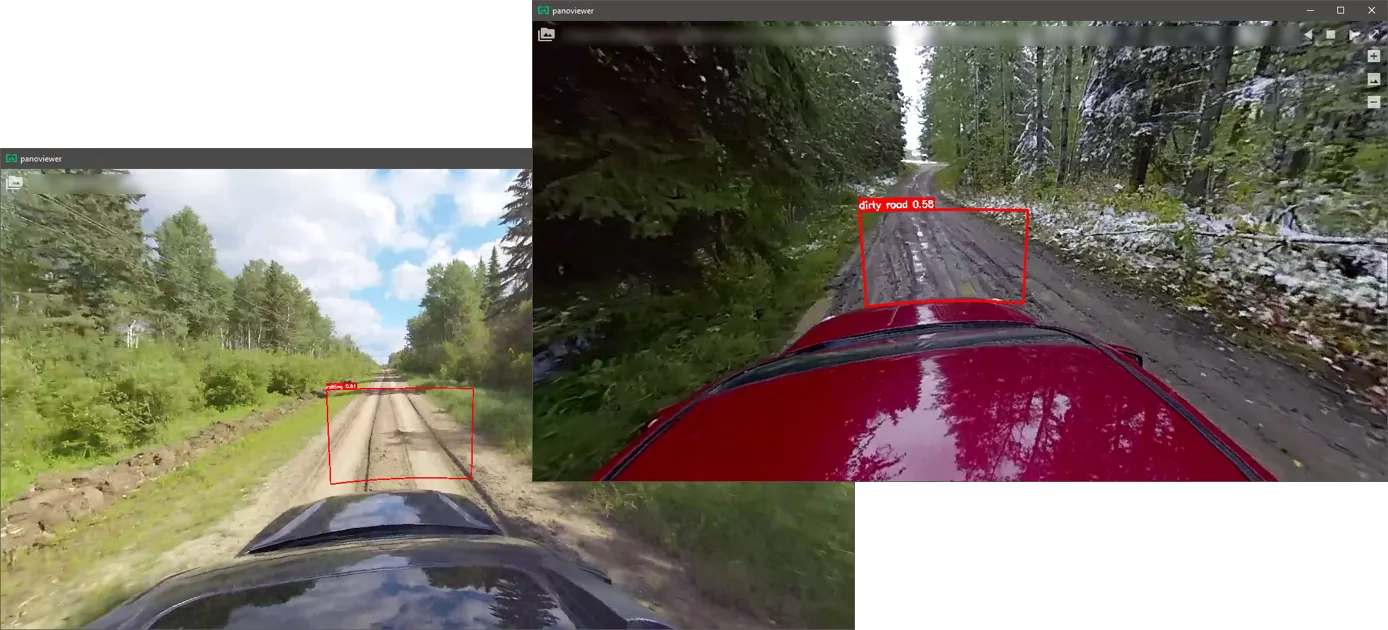
AI Road Condition Assessment
Deep learning that turns dashcam video into located road issues and condition ratings.
Learn more →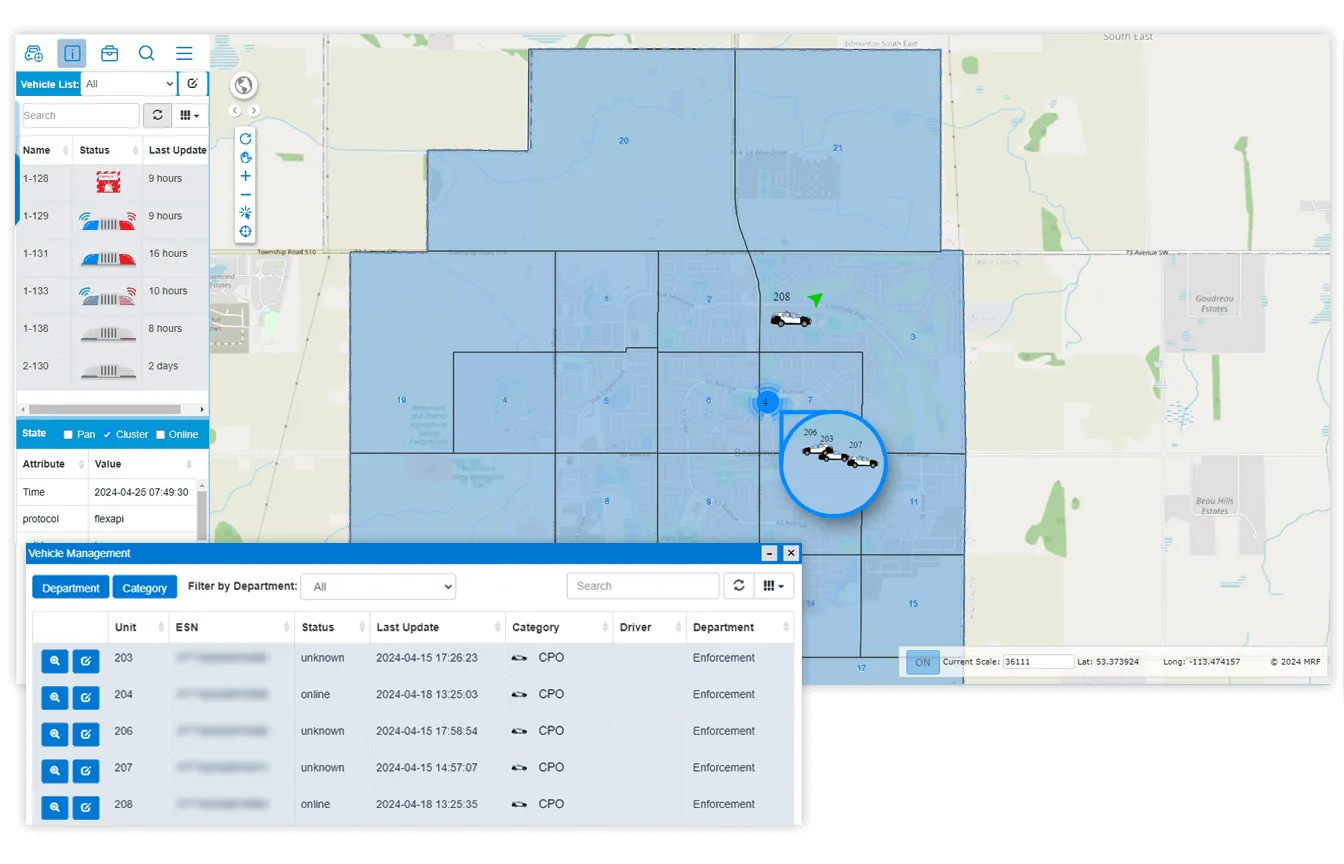
Enforcement Vehicle Tracking
Real-time tracking, officer safety and in-vehicle connectivity for enforcement fleets.
Learn more →
See it working with your own data.
Book a demo and we’ll walk you through the products that fit your departments, configured for organizations like yours.