Document Management
Organize drawings, permits, reports and photos by attaching them to the buildings, assets and parcels they describe, then find them by text, feature type, or a click on the map.
Every municipality has documents that only make sense in context: as-builts, inspection reports, agreements, photos. MRF Document Management stores them against the map features they describe, so the right file is always one click away from the right place.
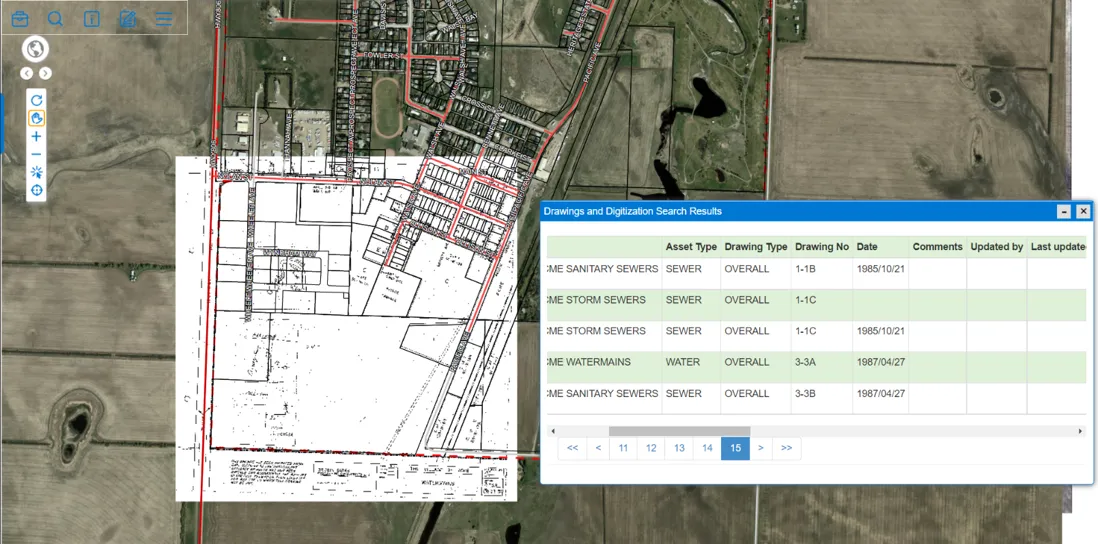
Above: Historical drawings, digitized and placed on the map, searchable by asset type, drawing number and date.
What you can do with Document Management
Documents where they belong
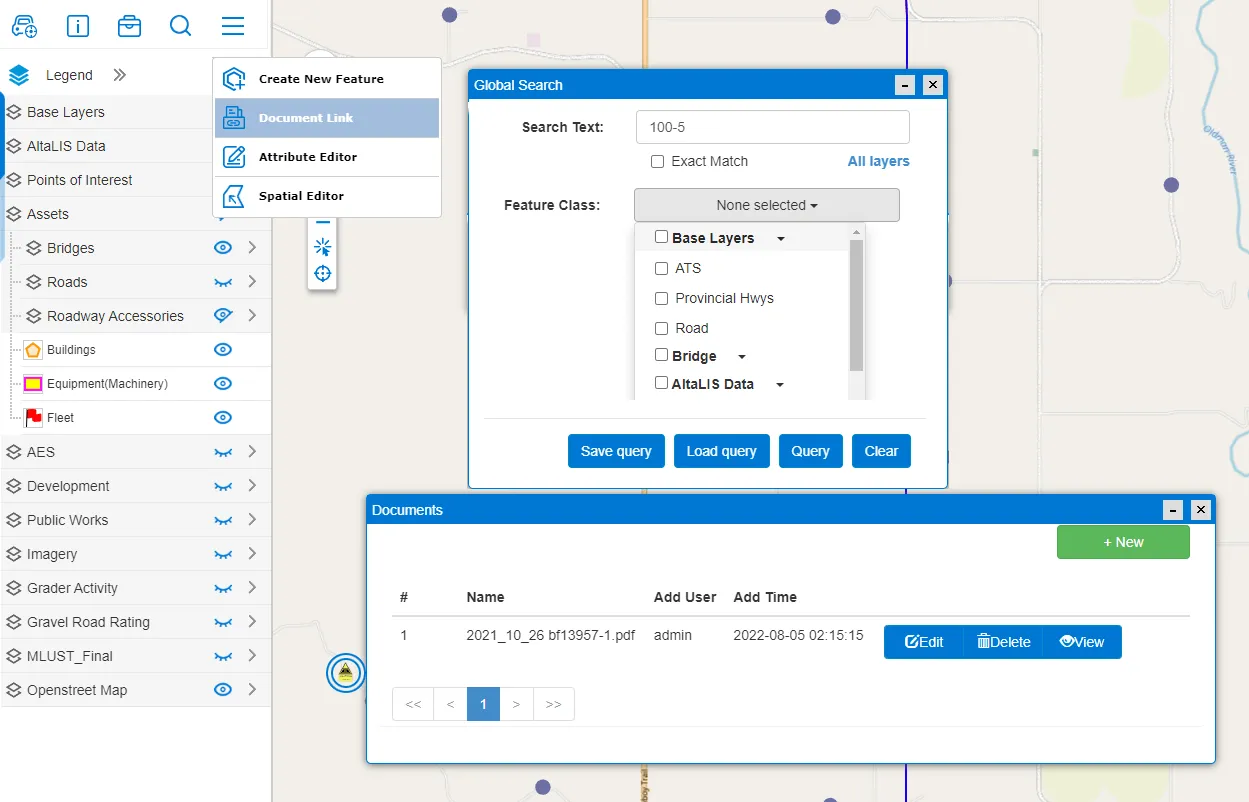
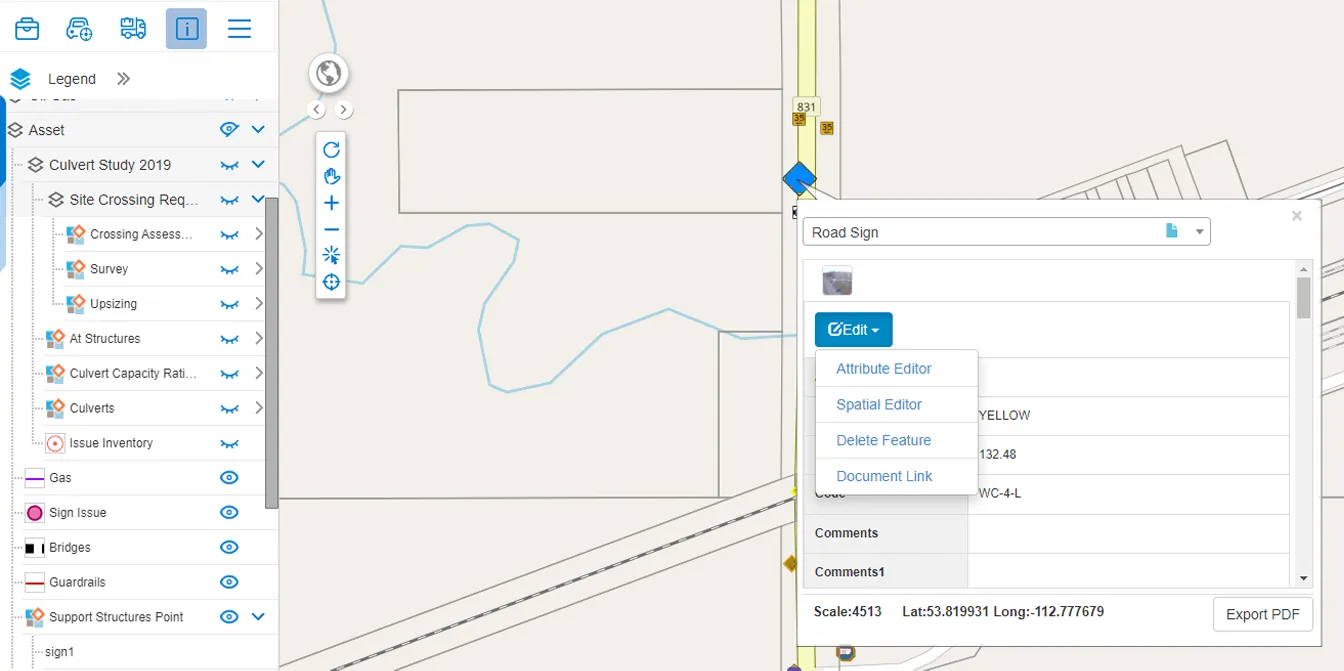
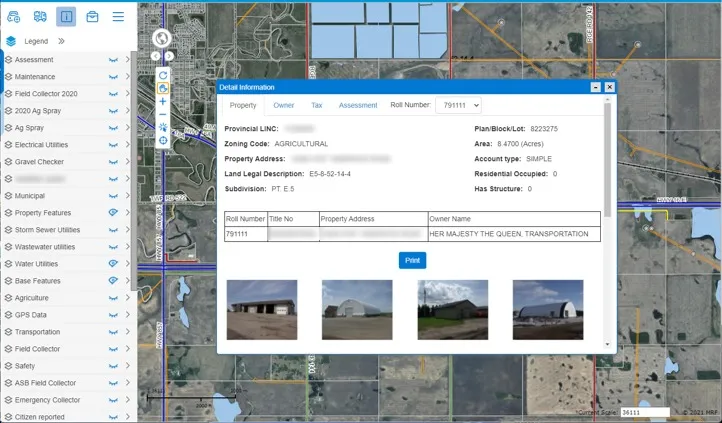
Attach files of any type to a map feature, such as a building, culvert, valve or parcel.
Three ways to search
Full or partial text match, by feature class, or simply click the feature on the map.
Saved searches
Save and reload search criteria for the document lookups your team does every day.
A closer look
Works well with

See it working with your own data.
Book a demo and we’ll walk you through the products that fit your departments, configured for organizations like yours.